 FileMorrow
A Downloads folder that tidies itself up
FileMorrow leaves new downloads alone for a week, then moves older loose files into folders by type. Every batch can be undone, and nothing leaves your Mac.
How it works
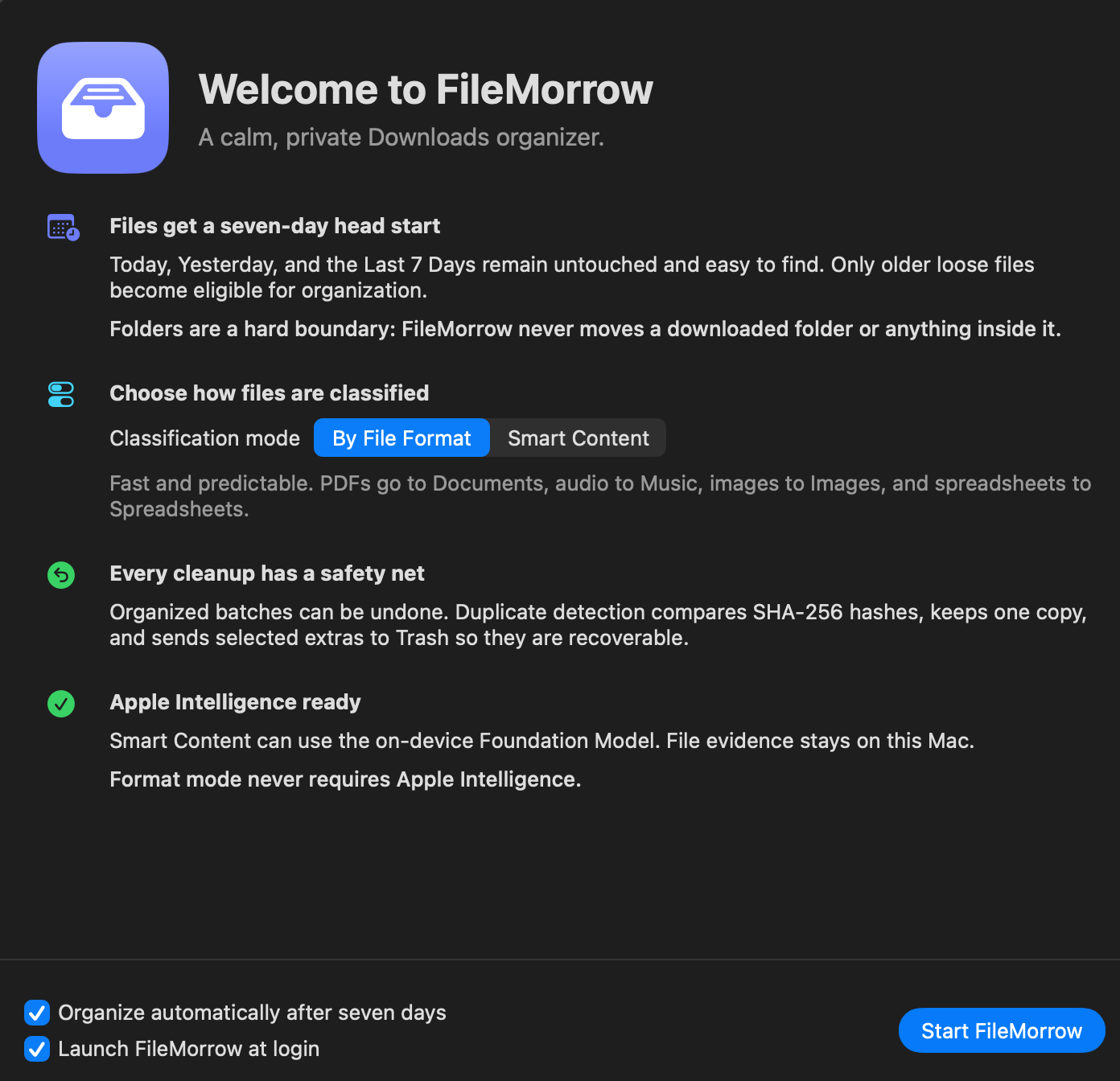
You keep using Downloads the way you do now. FileMorrow only steps in for files you have stopped touching.
New files stay put
Today, Yesterday and Last 7 Days stay where they landed. Only loose files older than a week are organized.
Folders are never moved
A folder you downloaded, and everything inside it, is left exactly where it is.
Undo is always there
Each organization run is recorded. Undo Last Organization or press Command-Z to put files back.
Two ways to sort
Sorting by file type is the default and needs nothing extra. Sorting by subject is optional and uses Apple Intelligence on your Mac.
| By file format | Smart content | |
|---|---|---|
| Default | Yes | Off until you turn it on |
| Sorts by | Extension and system file type: PDFs to Documents, audio to Music | Filename and text read from the file, then Apple's on-device model if still unsure |
| Needs | macOS 14 or later | macOS 26 with Apple Intelligence turned on |
| Good for | Hands-off cleanup that always does the same thing | Mixed folders like University, Finance, Medical or Work |
| When unsure | The file stays in Needs Review until you decide. You can correct it once and FileMorrow remembers. | |
Get space back
Three cleanup tools that only list what they can prove is safe to remove. You pick the files, and they go to the Trash, not straight to deletion.
Duplicates
Exact matches by SHA-256 hash. You choose which copy to keep before anything is removed.
Unpacked ZIP files
Archives you already extracted. Every file in the ZIP has to be in the folder at the same size, or the archive is left alone.
Used installers
.dmg and .pkg files for apps you already have installed. An installer newer than your app is never listed.
Lives in the menu bar
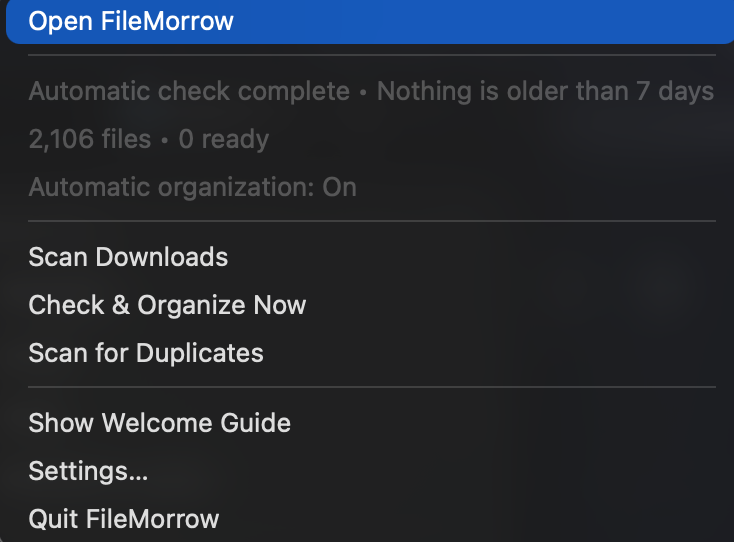
Close the window and FileMorrow keeps running quietly. From the menu bar you can rescan, check for duplicates, run a cleanup or open the app again.
- Automatic organization runs once an hour and can be switched off.
- Turn off "Keep FileMorrow in the Dock" if you only want the menu bar icon.
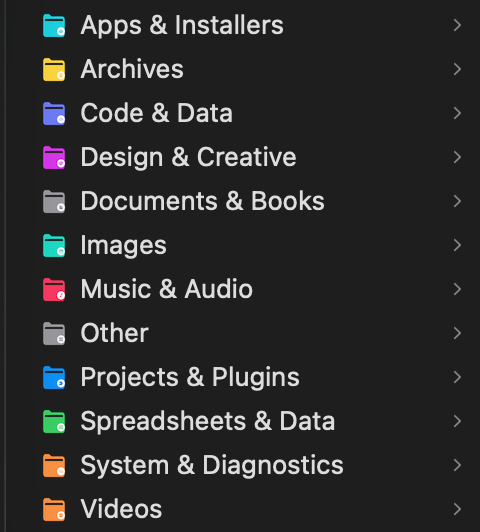
- Folders FileMorrow creates get coloured icons in Finder, so you can tell them apart from your own.
Your files stay on your Mac
There is no server, account, analytics or upload code in FileMorrow. Text it reads from a file is used to sort that file and nothing else.
On-device model
Smart content uses Apple's Foundation Models framework, which runs locally.
Nothing moves without a plan
Nothing moves until a plan is approved, either by you or by the automatic setting you chose.
Open source
The whole app is on GitHub under the MIT license, with tests for undo, duplicates, archives and installers.
Install
- Download the
.dmgandSHA256SUMS.txtfrom the latest release. - Check the download:
shasum -a 256 -c SHA256SUMS.txt - Drag FileMorrow into Applications and open it once.
- If macOS blocks it, go to System Settings → Privacy & Security and click Open Anyway.
FileMorrow is not notarized by Apple, because it is an independent project without a paid Apple Developer account. Only allow it if the file came from this GitHub repository and the checksum matches.